





Description
Product Overview
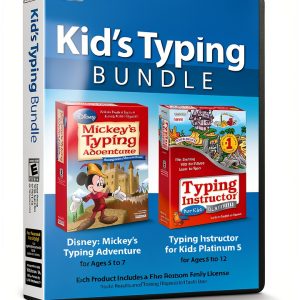
Mickey Typing Adventure is an educational software program designed for children ages six months and up, though the full curriculum targets ages five to twelve. Developed by Individual Software in partnership with Disney, the program uses beloved characters like Mickey Mouse, Minnie, and Donald to guide learners through eleven progressive typing plans. Each plan introduces keyboard basics, builds speed, and reinforces accuracy through interactive lessons, challenges, and games. The software runs on standard Windows PCs, requires minimal system resources, and is delivered in a sealed factory‑fresh box with an unused activation code.
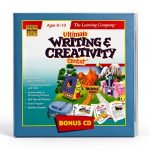
![[Product front view showing all components]](https://www.futuremaster.store/wp-content/uploads/2026/06/b8f5dad339ae4fe2bdd0686471b32cb1.jpg)
Usage
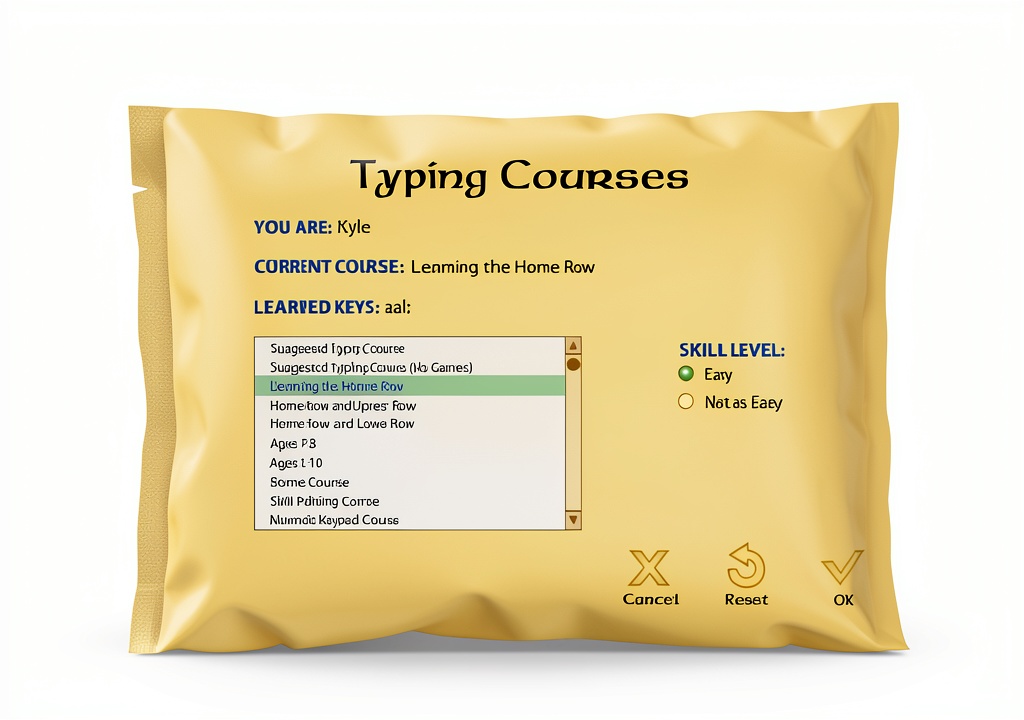
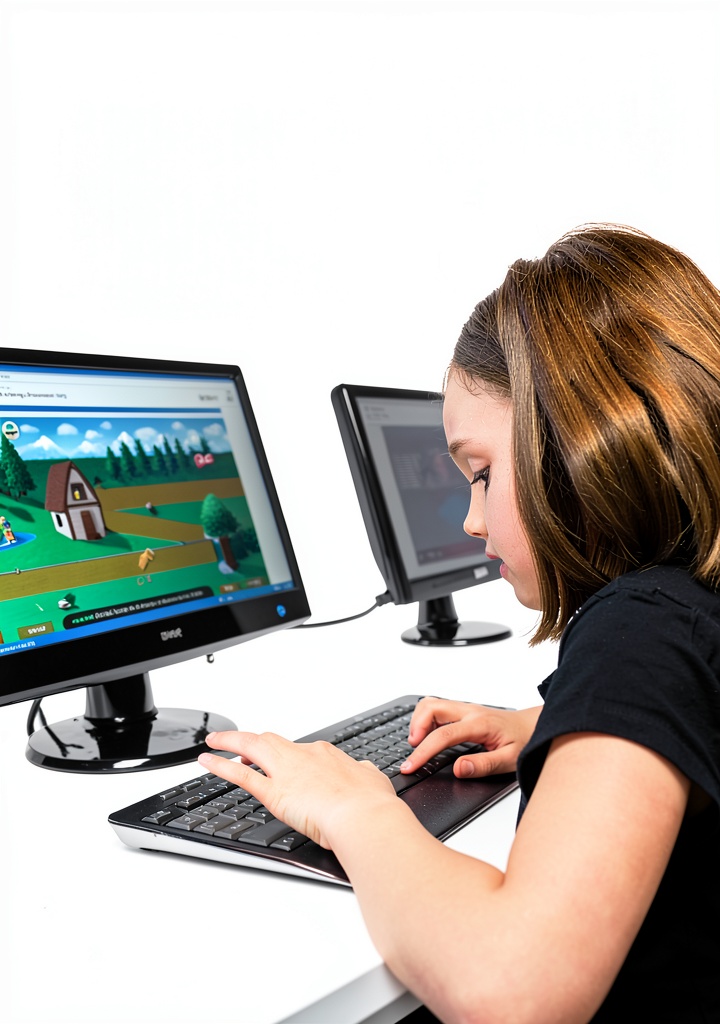
Ideal for home learning, after‑school programs, and elementary classrooms, Mickey Typing Adventure lets kids practice at their own pace. Parents can set desired words‑per‑minute targets and select skill levels, while the on‑screen Shop Keeper provides step‑by‑step guidance. The adventure theme motivates children to progress through Typelandia, unlocking new Disney animations and characters as they type. The program aligns with National, State, and Common Core standards, making it a valuable supplement to school curricula.
Why Choose Us
Mickey Typing Adventure stands out because it blends proven educational methodology with the magic of Disney. The curriculum is carefully sequenced to ensure mastery of each key before advancing, reducing frustration and building confidence. All content is original and licensed, guaranteeing high‑quality graphics and sound. Individual Software provides free technical support and regular updates, ensuring the product remains compatible with newer operating systems.
Key Features
- Eleven progressive typing plans that grow with your child’s skill level.
- Disney characters and animations keep learning fun and engaging.
- Adaptive speed settings let kids set and achieve personal WPM goals.
- Curriculum meets National, State, and Common Core standards for early learning.
- Free lifetime technical support and easy activation with included code.
FAQ
Is the software compatible with Mac computers?
The current version is designed for Windows operating systems. Mac users can run it via Boot Camp or a compatible virtual machine.
What age range is the program best suited for?
While the software is listed for ages six months and up, the full typing curriculum is optimized for children ages five to twelve.
Do I need an internet connection to use the program?
After activation, the software works offline. An internet connection is only required for the initial activation and optional updates.
Can I track my child’s progress?
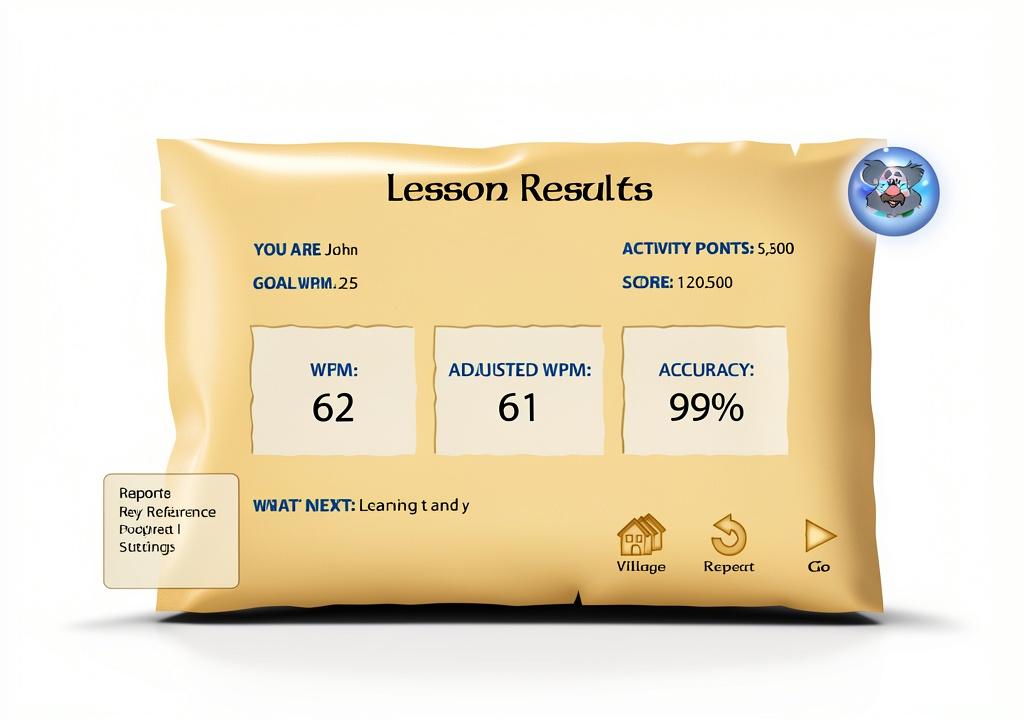
Yes, the program includes built‑in progress reports that show accuracy, speed, and completed lessons.
What does the product include?
The sealed box contains the software DVD (or download code), an activation key, and a printed quick‑start guide.
Reviews
There are no reviews yet.