
Description
Product Overview
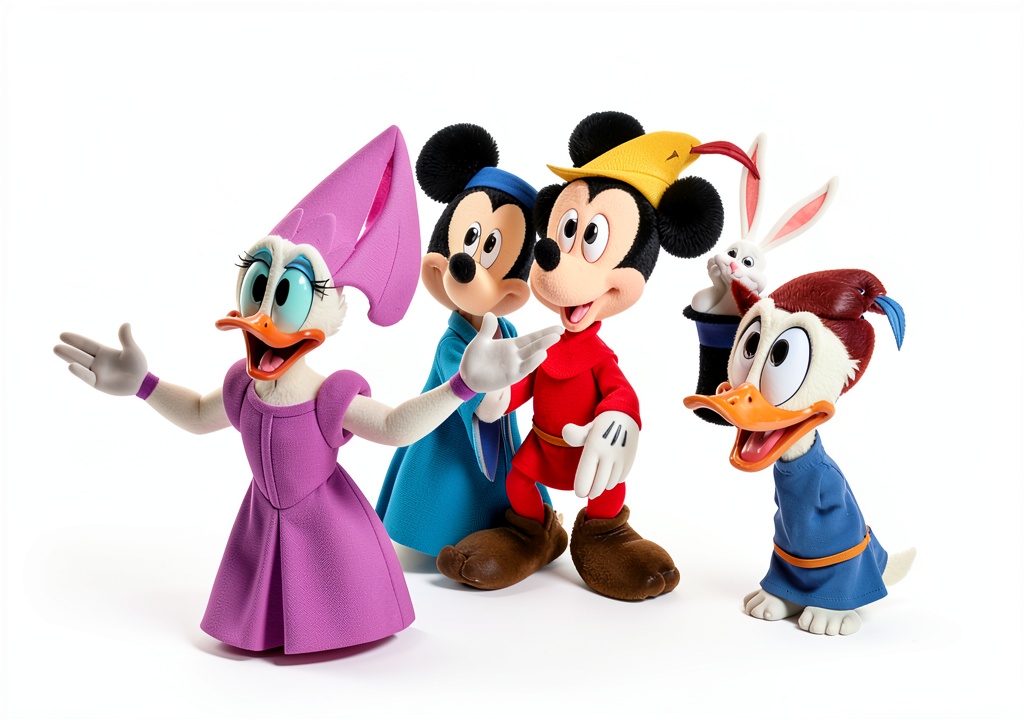
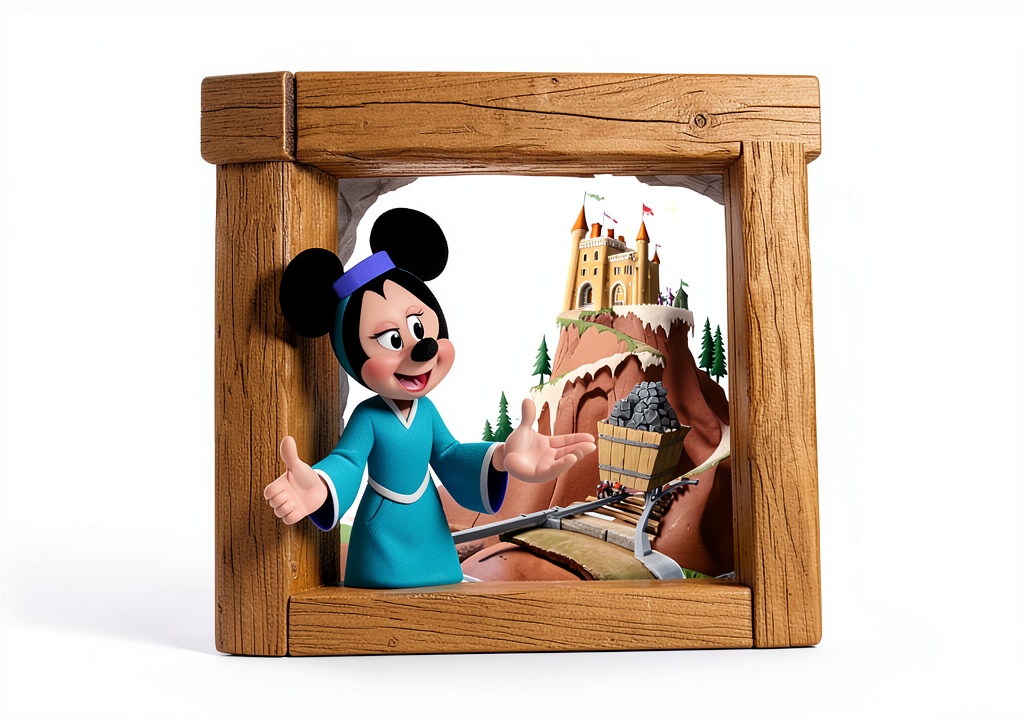
Welcome to a comprehensive learning solution that brings together two of the most acclaimed typing programs for children. The bundle includes Typing Instructor for Kids Platinum, a curriculum‑driven platform that introduces keyboard fundamentals through interactive lessons, and Disney Mickey’s Typing Adventure, a vibrant, game‑based experience that leverages beloved Disney characters to keep young learners engaged. Both applications are engineered to run smoothly on Windows 8, 10, and 11, ensuring broad compatibility across modern home and school computers.
Each program is built around a progressive skill‑building framework. Typing Instructor for Kids Platinum starts with basic finger placement, then gradually introduces letters, words, and full sentences, using colorful visual cues and encouraging audio prompts. Disney Mickey’s Typing Adventure layers a storyline onto the same skill set, allowing children to guide Mickey through a series of challenges that require accurate typing to advance. The dual‑approach caters to different learning styles, providing both structured instruction and playful exploration.
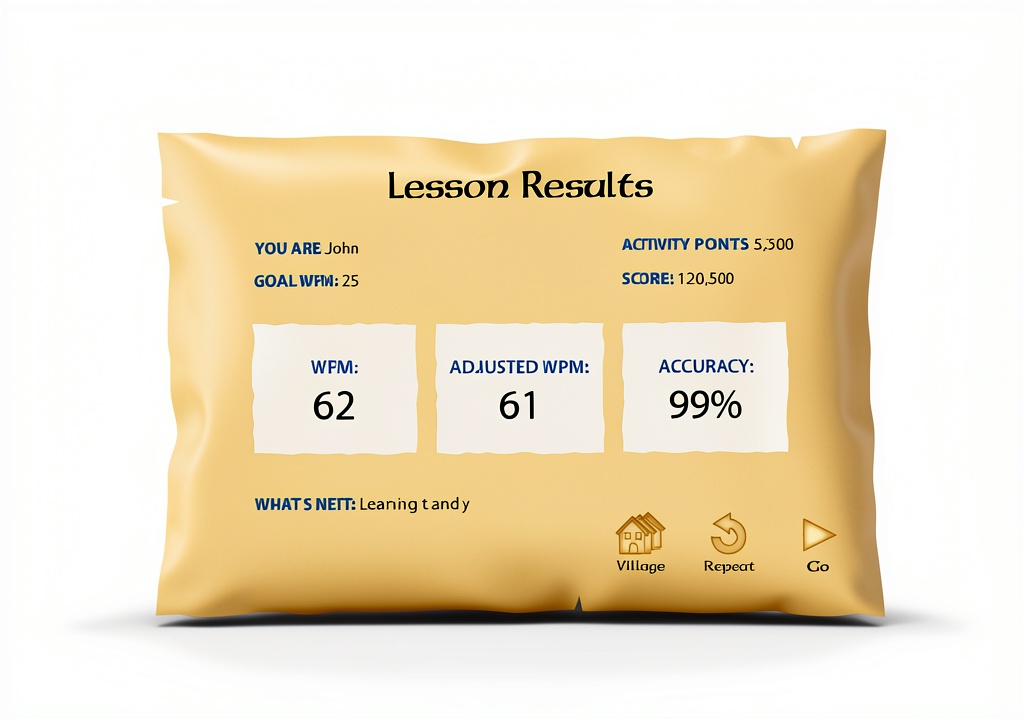
The family license model permits up to five individual user accounts, each with its own progress tracking and performance reports. Parents and educators can monitor improvement through detailed dashboards that display speed, accuracy, and time spent on each activity. This data‑driven insight helps tailor practice sessions to each child’s needs, fostering confidence and competence without overwhelming them.
Beyond the core educational content, the software package includes a fresh, sealed factory box, an activation code that has never been used, and the latest version of each program. The packaging meets industry standards for durability, protecting the disc and documentation during shipping and handling. The product is backed by Individual Software, a reputable developer known for delivering reliable educational tools that meet rigorous quality controls.
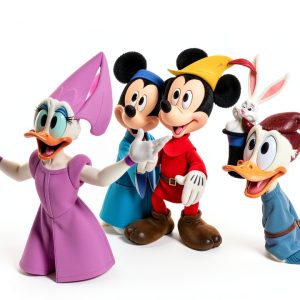
![[Product front view showing all components]](https://www.futuremaster.store/wp-content/uploads/2026/06/508c0af8e7c64526b856e3d71f1535de.jpg)
Usage
In a home environment, the bundle serves as an ideal after‑school activity. Children can log in to their personal account, complete a short lesson, and then enjoy a game session that reinforces the concepts they just learned. The flexible session length—ranging from five minutes for quick practice to thirty minutes for deeper immersion—fits neatly into busy family schedules. Parents can set daily or weekly goals, and the software will provide gentle reminders to keep the learning momentum going.
In classroom settings, teachers can deploy the software on a shared computer or a set of lab stations. The multi‑user license eliminates the need for multiple purchases, while the progress reports allow educators to identify students who may need additional support or enrichment. The curriculum aligns with early elementary standards for keyboard proficiency, making it a valuable supplement to language arts and technology lessons.
After‑school programs, tutoring centers, and community learning hubs also benefit from the bundle’s versatility. The engaging Disney theme captures the imagination of children who might otherwise be reluctant to practice typing, while the structured instructor program ensures that foundational skills are not overlooked. The software’s compatibility with a wide range of Windows devices means it can be installed on desktop PCs, laptops, and even convertible tablets, providing flexibility for any learning space.
Why Choose Us
Choosing this family bundle means investing in a proven educational pathway that combines the expertise of Individual Software with the timeless appeal of Disney characters. The dual‑program design offers both a methodical teaching approach and an entertaining adventure, addressing the diverse motivations that drive young learners. The inclusion of progress tracking for each user empowers parents and teachers to make informed decisions about practice frequency and difficulty adjustments.
Our commitment to quality extends beyond the software itself. The product arrives in a sealed, factory‑fresh box, guaranteeing that you receive the most up‑to‑date version with an unused activation code. Should any technical issues arise, Individual Software provides responsive customer support, including online resources, FAQs, and direct assistance to resolve activation or installation concerns. This comprehensive service package ensures a smooth experience from purchase to daily use.
Key Features
- Family license supports up to five individual users with separate progress tracking.
- Two engaging programs: structured lessons in Typing Instructor and game‑based adventure with Disney characters.
- Adaptive difficulty adjusts to each child’s skill level, keeping practice challenging yet achievable.
- Compatible with Windows 8, 10, and 11, allowing installation on most modern PCs and laptops.
- Responsive customer support and regular software updates ensure long‑term usability.
FAQ
What age range is this software suitable for?
The programs are designed for children ages 5 to 11. The lessons start with basic finger placement and progress to full sentences, making them appropriate for beginners and more advanced young typists.
Can the software be installed on multiple computers?
Yes. The family license allows installation on up to five computers, each with its own user account. This flexibility lets families share the software across several devices or schools to accommodate multiple learners.
Do I need an internet connection to use the programs?
After the initial activation, the software runs offline. No continuous internet connection is required, which is ideal for homes or classrooms with limited bandwidth.
How does progress tracking work?
Each user profile records typing speed, accuracy, and time spent on each activity. Detailed reports are accessible from the main dashboard, allowing parents and teachers to monitor improvement and set personalized goals.
Is the software compatible with newer operating systems?
The bundle is fully compatible with Windows 8, Windows 10, and Windows 11. Future updates from Individual Software will maintain compatibility with upcoming Windows releases, ensuring the product remains functional for years to come.
Reviews
There are no reviews yet.