


Description
Product Overview
JumpStart 3D Learning Software invites young learners into a vibrant, three‑dimensional world filled with imaginative adventures. Developed by Knowledge Adventure, the program combines colorful graphics, responsive controls, and age‑appropriate challenges to teach foundational skills such as alphabet recognition, counting, and basic problem solving. Packaged in a compact 5.6 × 4.9 × 0.5 inch disc, the software runs on standard Windows PCs and requires minimal system resources, making it accessible for most home computers.
Usage
Designed for children aged three to five, the software is ideal for both independent play and guided learning sessions with parents or teachers. Kids can explore the Art House to plant virtual flowers, practice ABCs, and experiment with colors, or visit the Movie House to watch short educational films and unlock storybooks through simple missions. The intuitive interface ensures that even pre‑readers can navigate the environment with ease, while the built‑in encouragement from JumpStart friends keeps motivation high. 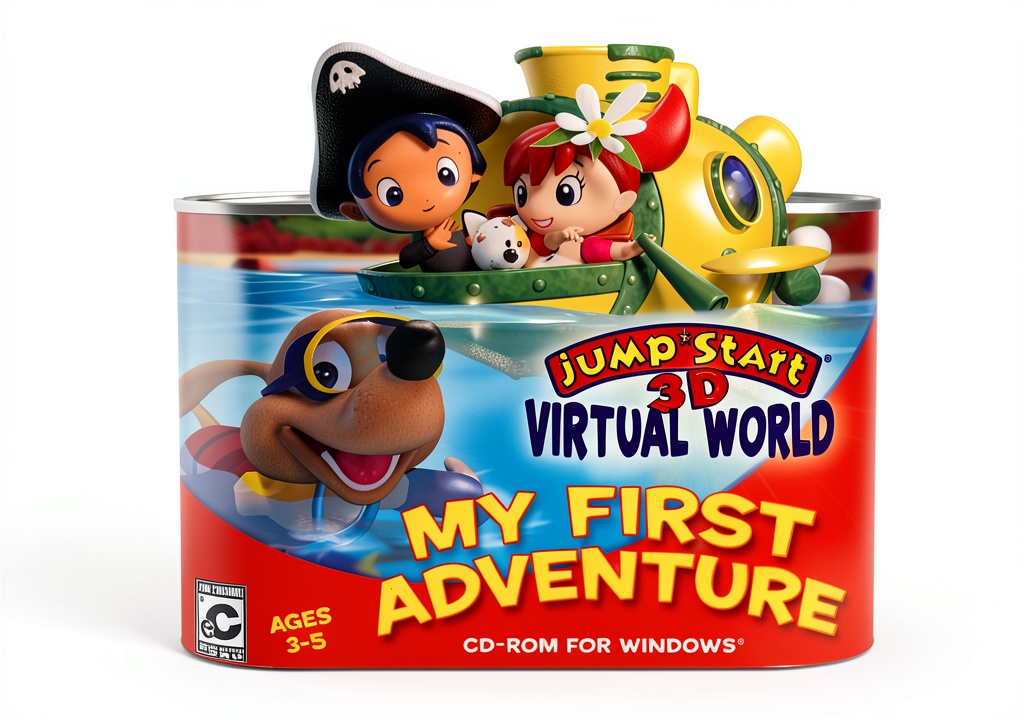
Why Choose Us
Knowledge Adventure brings over two decades of expertise in educational software, ensuring that every activity aligns with early learning standards. Unlike generic games, JumpStart integrates curriculum‑based content with playful exploration, providing measurable skill development without sacrificing fun. The software is regularly updated for compatibility, and its low system footprint means it runs smoothly on older machines, offering lasting value for families and schools.
Key Features
- Immersive 3D environments that spark curiosity and imagination.
- Curriculum‑aligned activities for alphabet, numbers, and basic problem solving.
- Creative Art House where children can design, plant, and experiment with colors.
- Movie House with short educational videos that unlock interactive storybooks.
- Friendly JumpStart characters provide guidance, encouragement, and positive reinforcement.
FAQ
What operating systems are supported?
The software runs on Windows XP, Vista, 7, 8, and 10. It requires a minimum of 512 MB RAM and a standard CD‑ROM drive.
Is internet access required?
No internet connection is needed after installation. All content is stored locally on the computer.
Can the program be used in a classroom setting?
Yes, teachers can project the activities onto a screen for group learning, and the software includes printable worksheets that extend the digital experience.
How long is the content?
The program offers multiple levels of difficulty, providing roughly 10–12 hours of guided play that can be revisited as the child grows.
Is there parental control?
Parents can set time limits and track progress through the built‑in reporting feature, ensuring balanced screen time.

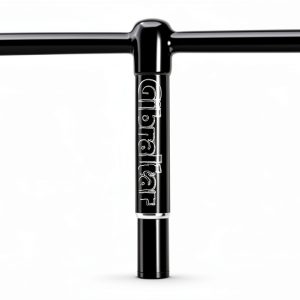 Gibraltar Drum Key Metal High Torque Musical Instruments
Reviews
There are no reviews yet.